Unity Lava Shader + Material
I wanted to learn how to make shaders for the longest time. Alas, today I spent the morning figuring out how to make a custom material in Unity, and create a shader that would allow me to animate lava flow, while having variables that I can control, such as emission strength, opacity, speed, direction, etc...
The process was not too dis-similar from the work I normally do in UnrealEngine, however Unity did have some quirks of its own, such as having to apply the shader manually to a custom material.
For this task, I used Unity's built in URP shader graph system- as well as open source textures acquired online. However I was not satisfied with a simple display ball, and thus wanted to assemble a small scene in Unity that displays the shader a little better- a scene that was of course built as an executable file.
Overall it was a very enjoyble task- It taught me how to use Unity's shader graph efficiently as well as how to create assets that look great and still are well-optimised for PC.

Display sphere
Increased Emission for heat effect (scalable)
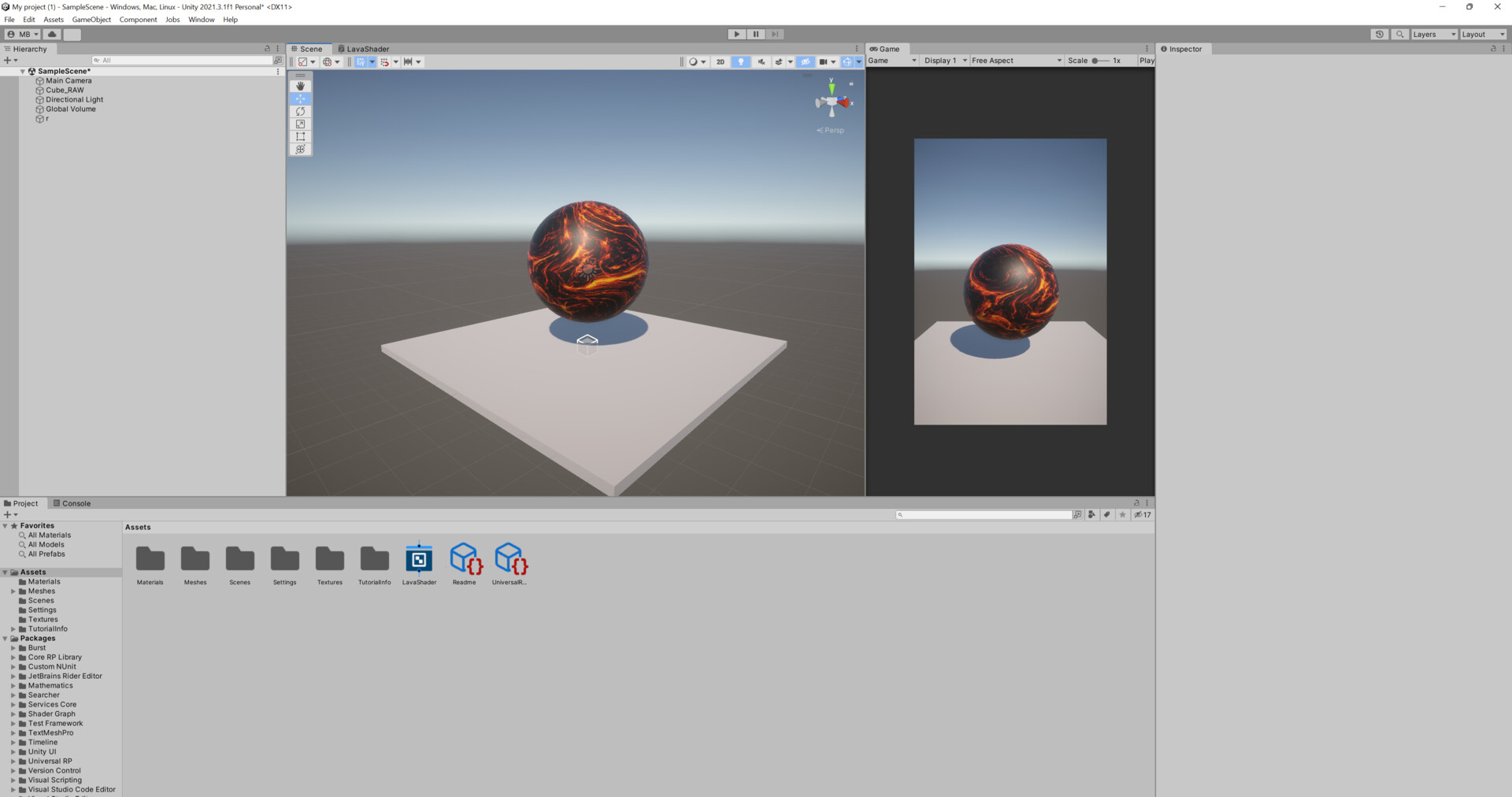
Stage1 of development

Stage 2: reduced reflectivity
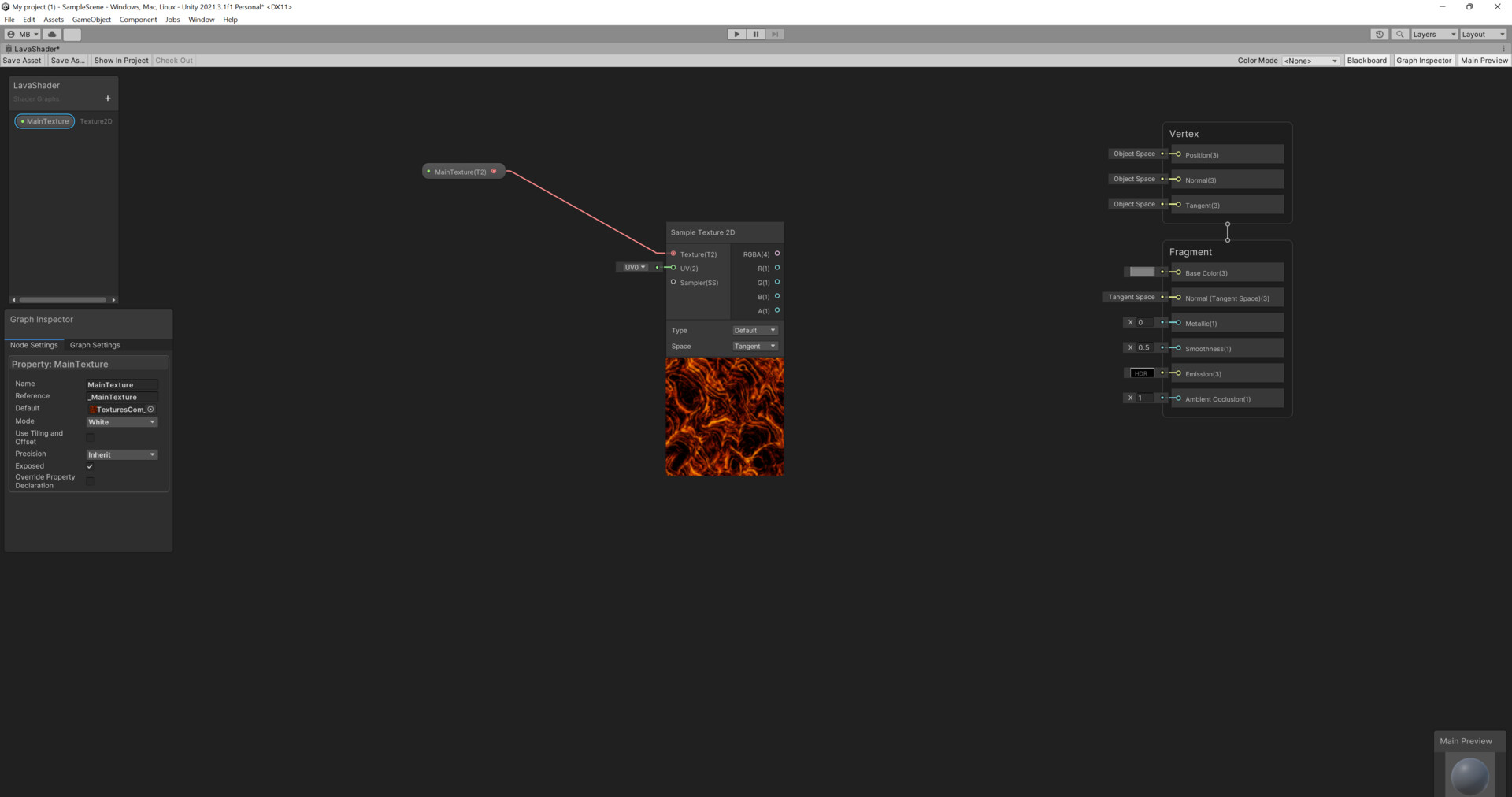
Adding the texture to Shader graph

Added a float controller for opacity

Shader graph: How I animated the lava flow
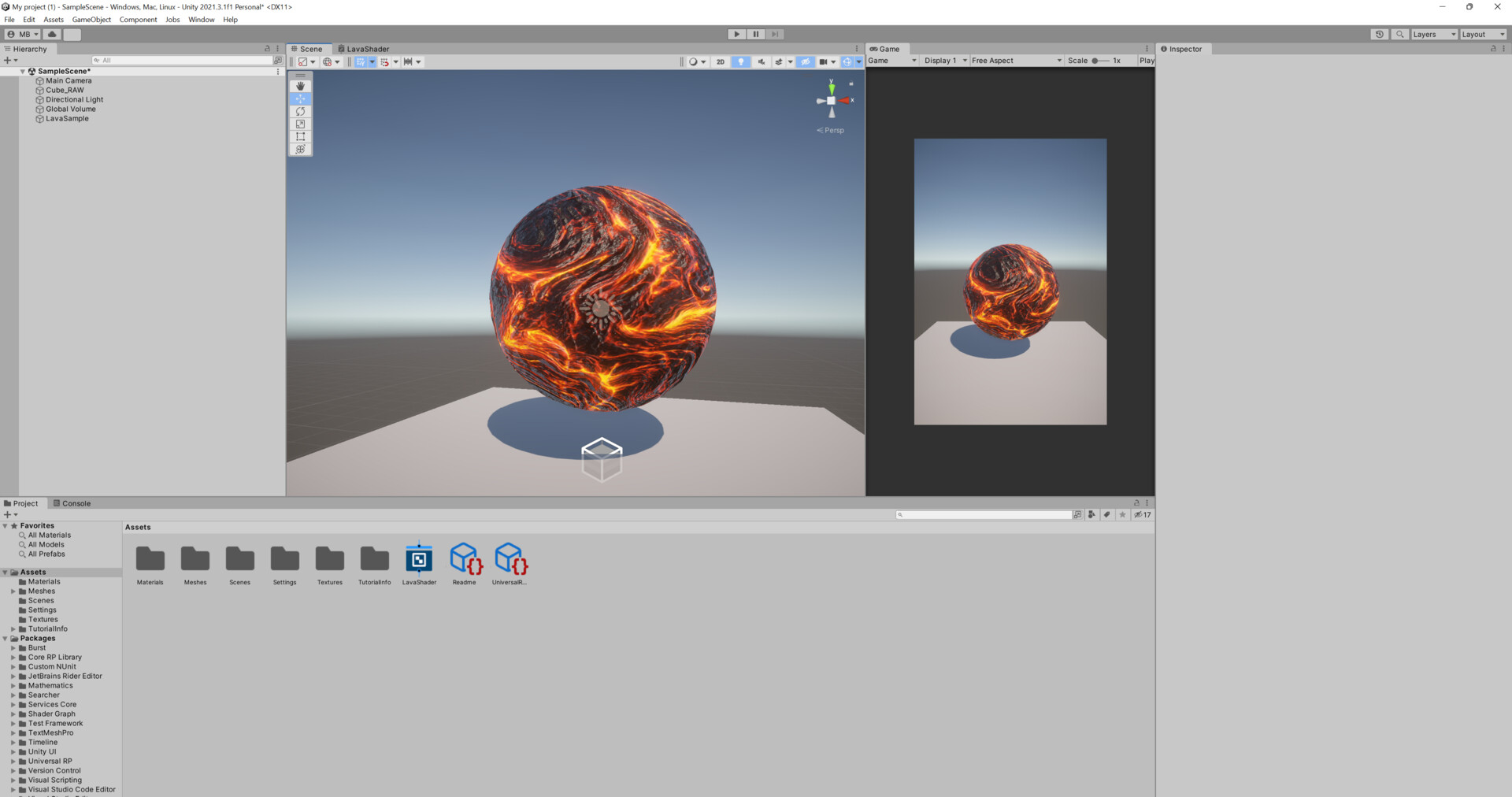
Enter glow effect
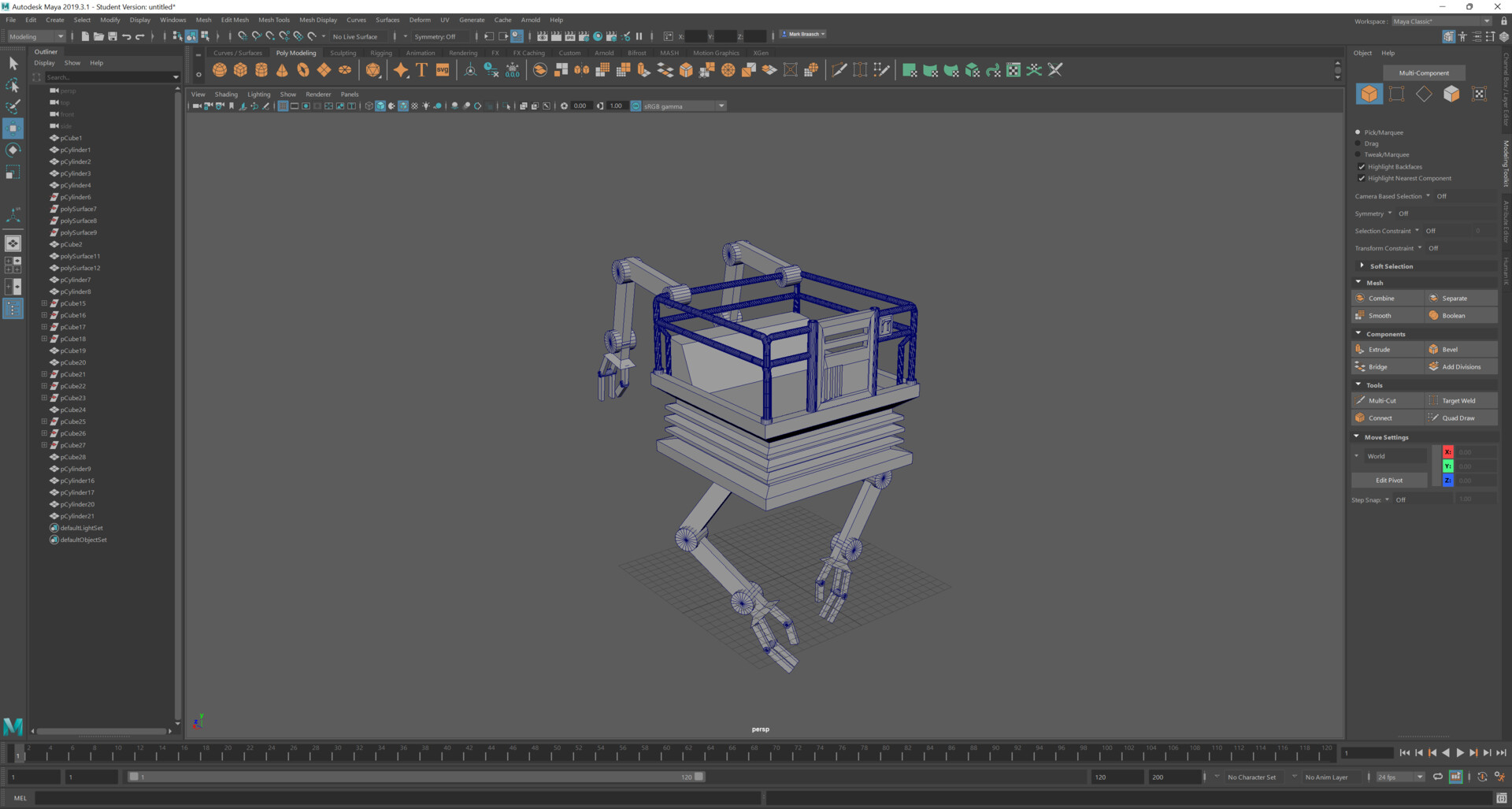
Quick 30 minute model in Maya of lava mining robot
Final lava flow demonstration